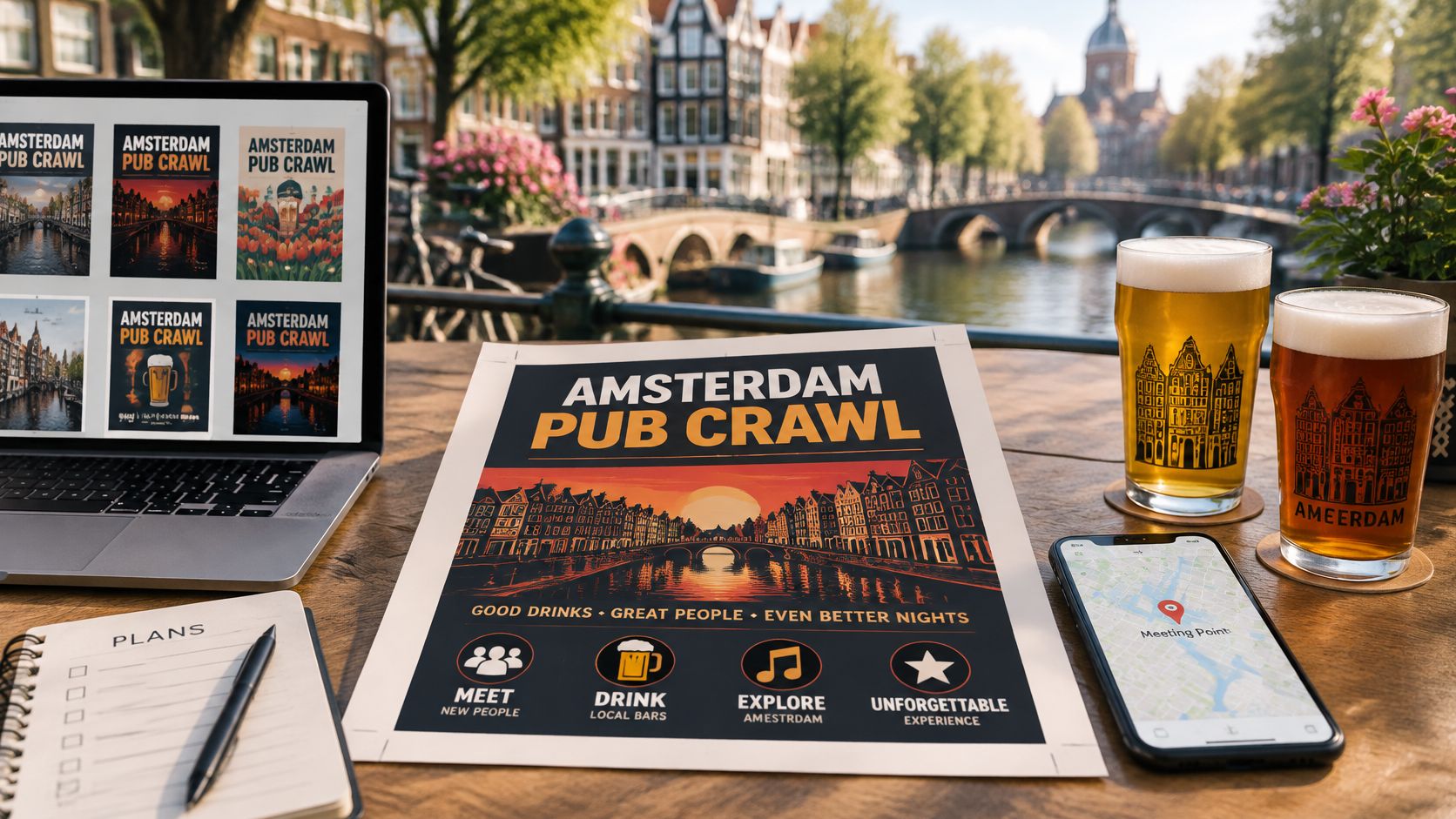
Eight friends stand outside a Red Light District doorway at 8 PM. One phone is out, and someone is scrolling a group chat for the flyer that says where to meet. Another person thinks the crawl starts at a different bar. A clear pub crawl flyer settles that before anyone orders a drink.
For Amsterdam visitors, the useful details are not decorative. Name the venue and the street before you pick a colour, because a canal photograph does not tell a guest which door to stand at. Separate the arrival window from the start of an included activity, such as the kick-off shots, so nobody arrives late for the part they paid for. A stylish poster that leaves those questions open hands the organizer more work on the night.
Pick a layout that matches the group first. Magic Genie's Cinco de Mayo flyer guide is a useful event-design reference, though an Amsterdam crawl needs its own street-level checks. These seven templates and resources suit different planners, from a backpacker's last-minute handout to a coordinated hen-party design.
Table of Contents
- 1. Canva Pub Crawl Flyer Templates
- 2. Adobe Express Event and Party Flyer Templates
- 3. Microsoft Word and Google Docs Flyer Templates
- 4. Figma Community Event Flyer Files
- 5. Printable Bar Crawl Passport and Punch Card Templates
- 6. Print-Ready Setup for Size, Bleed and Resolution
- 7. Free Stock Photo, Font and Icon Libraries for Crawl Flyers
- How the seven flyer tools and resources compare
- Pick One Tool, Then Check the Details Twice
1. Canva Pub Crawl Flyer Templates
Canva suits friends, hostel organizers and stag planners who want a polished result without specialist software. Searches for pub crawl, bar crawl and party flyer provide layouts that accept new text, colours and photographs.
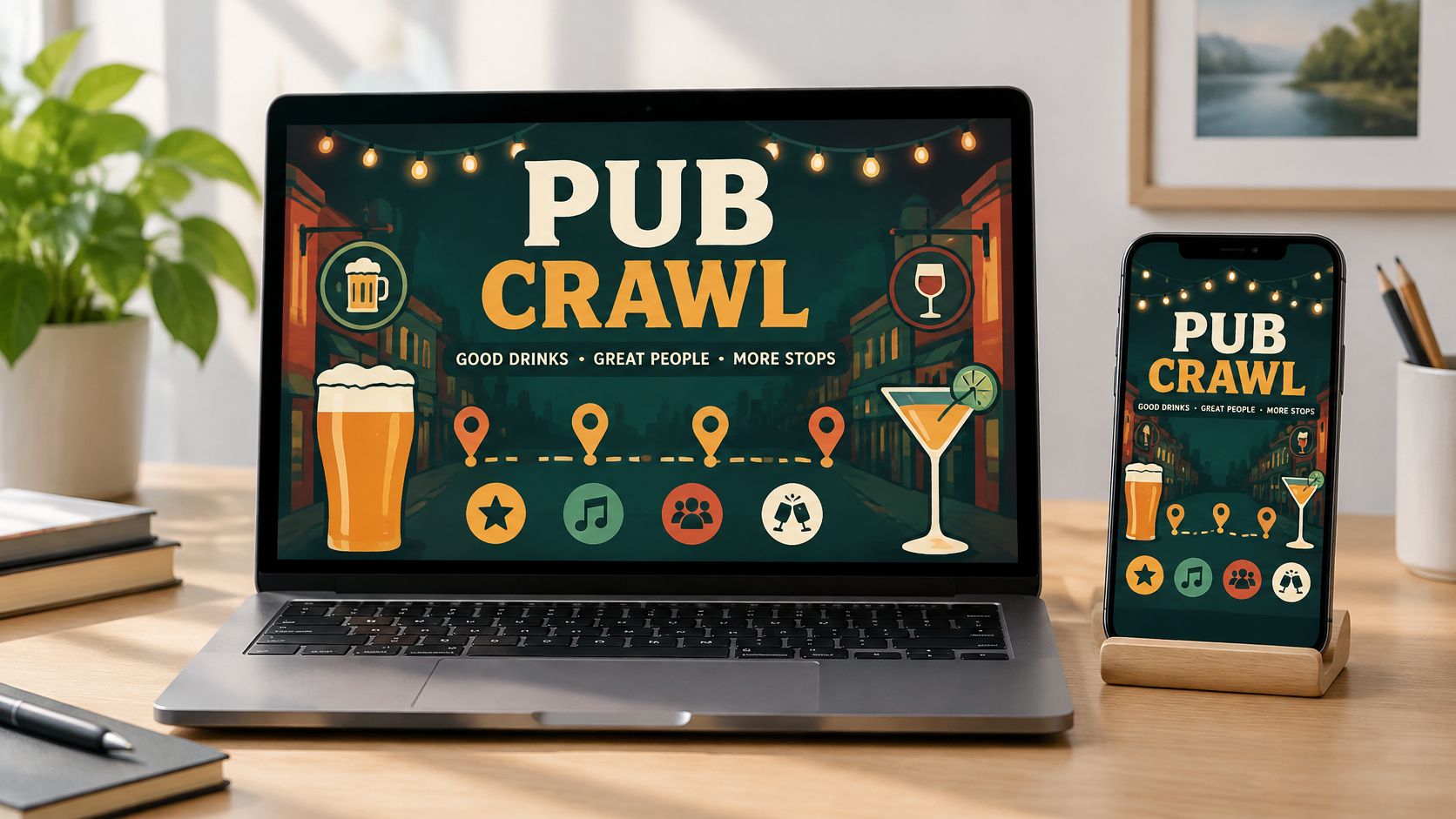
A stag-weekend organizer may need one printed handout plus a matching image for the group chat. Canva handles both, although the phone version needs a separate check. Text that looks comfortable on paper can shrink badly inside a messaging preview.
Put the meeting details first
The top should show the event name, date, meeting time and exact meeting point. A neon headline can set the mood, but it shouldn't push the address into the smallest type.
- Choose a simple layout: An event template is easier to adapt than a crowded nightclub poster.
- Replace stock scenery: A recognizable meeting-area photo beats an unrelated skyline.
- Export two files: Use a print PDF and a smaller image for phones.
The trade-off is familiarity. A lightly edited template can resemble every other party announcement, so accurate wording matters more than extra effects. The Amsterdam pub crawl information page helps organizers confirm details before they enter a design. The flyer should repeat confirmed booking terms, not rewrite them.
2. Adobe Express Event and Party Flyer Templates
A minimalist Red Light District flyer often works better than a crowded collage. Adobe Express suits organizers who prefer bold type, restrained graphics and matching versions for print and social sharing. Its browser editor offers event layouts, fonts and images without a full desktop workflow.
For a birthday group, one design might use a strong headline, a meeting-time panel and a short inclusion list. That content can become a printed handout, a square post and a vertical story. Resizing and some assets can depend on the selected plan, so access needs checking first.
Practical rule: The meeting address should stay readable as a normal phone image, not only after someone zooms in.
Keep icons useful
A clock helps identify the arrival time, and a location pin helps identify the address. Neither should replace the written information, especially for visitors reading quickly.
An age reminder needs plain wording. The Dutch government's alcohol-age guidance sets the minimum purchasing age at 18, so a clear requirement beats a vague adults-only symbol.
The trade-off is personality. A clean layout can feel less playful than a photo-heavy poster, but guests outside a busy doorway need readable details. A group photograph or colour choice can add character without hiding the address, booking instruction or valid-ID reminder.
3. Microsoft Word and Google Docs Flyer Templates
Word and Google Docs are practical when the flyer is really a shared itinerary. Backpackers arranging a night out may need clear instructions more than layered graphics. A corporate organizer may need a document colleagues can review without learning another application.
Word's built-in flyer templates open with a centred title and a pair of text boxes. Google Docs is workable too, though its template gallery is thinner and a two-column layout can collapse when a collaborator pastes in a longer bar list. In Word, a text box that sits correctly on screen can shift slightly on PDF export; check before you send it.
Groups split across hotels can put the venue, street address and arrival time at the top. Confirmed inclusions and the booking reference follow underneath. Add the 18+ line with valid-ID wording there, not in a footnote. The exported PDF becomes the stable copy shared in the group chat.
Treat the PDF as final
Collaborative editing helps during planning, but a live document shouldn't stay open to casual changes once guests rely on it.
- Assign an editor: One organizer should approve times, addresses and booking instructions.
- Inspect the export: Fonts, page breaks and images can shift between the document and PDF.
- Skip weak photographs: Clean text looks better than a stretched, blurry picture.
- Separate optional plans: Dinner suggestions shouldn't look like confirmed parts of the crawl.
Visual control is the limitation. The trade-off is speed against polish: these templates finish fast, but a photograph nudged slightly can push the address onto page two. Confirm the meeting details with the venue before printing.
4. Figma Community Event Flyer Files
When several people want input on a hen-party design, Figma offers more control than a basic document editor. Its Community files include editable event and poster layouts, and shared files let collaborators comment on the same design.
A student society arranging recurring social nights can also benefit. The organizer keeps the headline style, information panels and booking area consistent while changing the event details. That reduces accidental differences without making every night look identical.
Give collaborators different jobs
Unrestricted editing isn't the same as useful collaboration. One person should own the event information, while others suggest photographs, colours or wording.
- Check the file licence: Community availability doesn't automatically permit every commercial use.
- Check font access: Missing fonts can alter line breaks and spoil the print.
- Keep reusable styles: Consistent text and colour settings make later edits safer.
- Approve a final version: Comments should be resolved before the print file is sent.
The learning curve is the drawback. Figma makes sense when someone already understands it or needs detailed layout control. It is a poor choice for an organizer finishing a flyer immediately before leaving the hostel.
A shared design file needs a final decision-maker, or the group can settle the colours while leaving the meeting address unresolved.
Figma is mainly a screen-design environment. A good-looking PDF still needs the printer's colour and bleed requirements.
5. Printable Bar Crawl Passport and Punch Card Templates
A crawl passport suits birthday groups, stag parties and friends who want a pocket-sized keepsake. Unlike a conventional flyer, it gives guests something to use during the night, such as a stop checklist or a short record of the route.
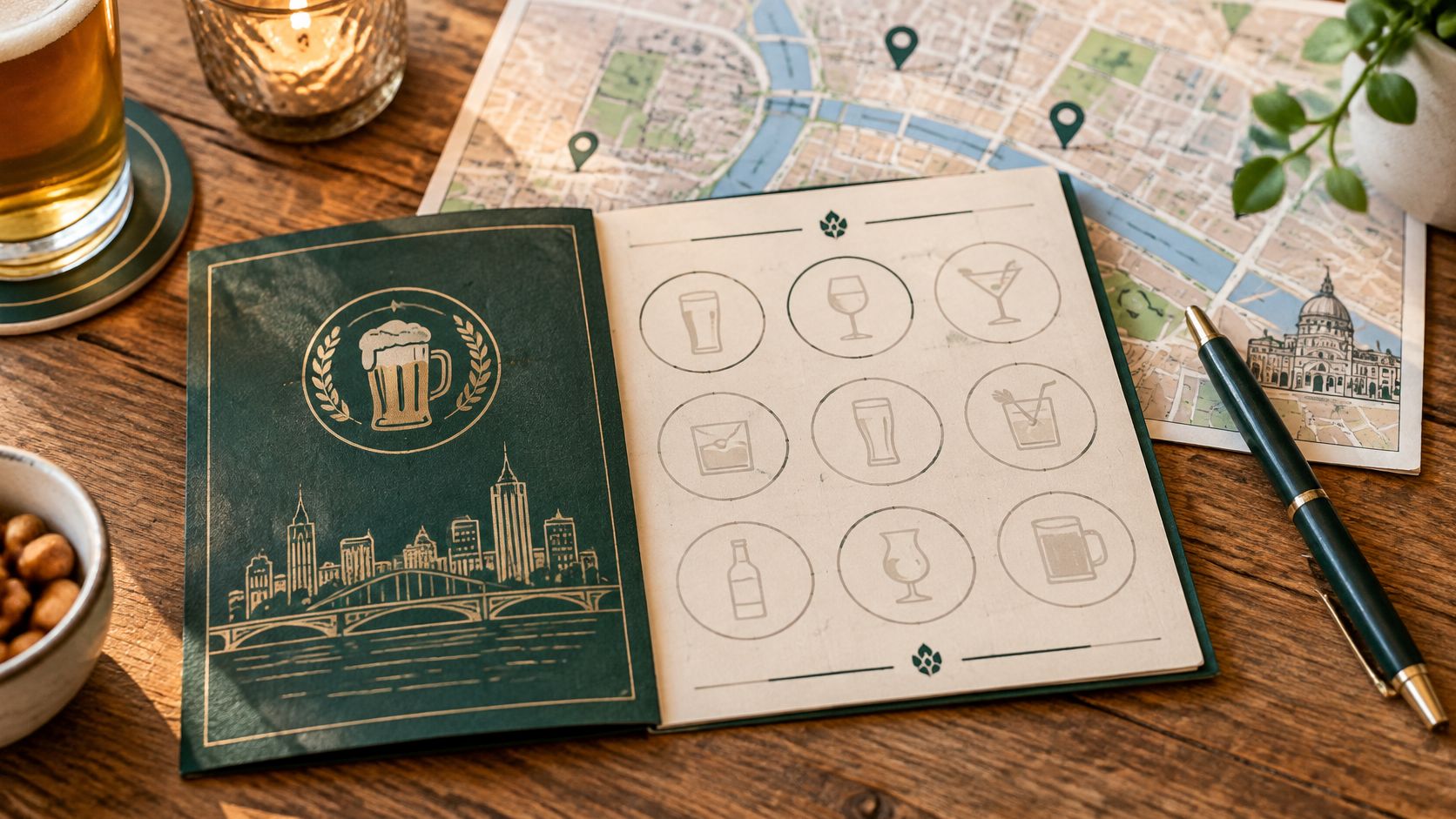
A birthday organizer might print a simple card with confirmed stops and space for a note from each. A stamp-based version needs more coordination, because busy bar staff may not have agreed to participate.
Make participation optional
A passport shouldn't become a drinking target. Guests should be able to mark a stop after joining the group there, whatever they order.
- Confirm participation: Stamps, signatures and prizes belong only where arrangements are agreed.
- Use durable paper: Card stock survives pockets and bags better than a delicate folded sheet.
- Keep the rules plain: The card should explain whether it records attendance or another confirmed purpose.
- Distinguish it from admission: A homemade passport isn't a ticket, booking confirmation or identity document.
The guide to how bar crawls work helps organizers understand the format before adding games around it. The trade-off is carrying another object. A compact card is usually easier than a booklet, especially for guests travelling light. Meeting details belong on the front, with any optional activity inside or on the reverse.
6. Print-Ready Setup for Size, Bleed and Resolution
A flyer that looks sharp on a laptop can emerge with clipped text, muddy photographs or a QR code that won't scan. Print preparation suits every group, whichever design tool produced the file.
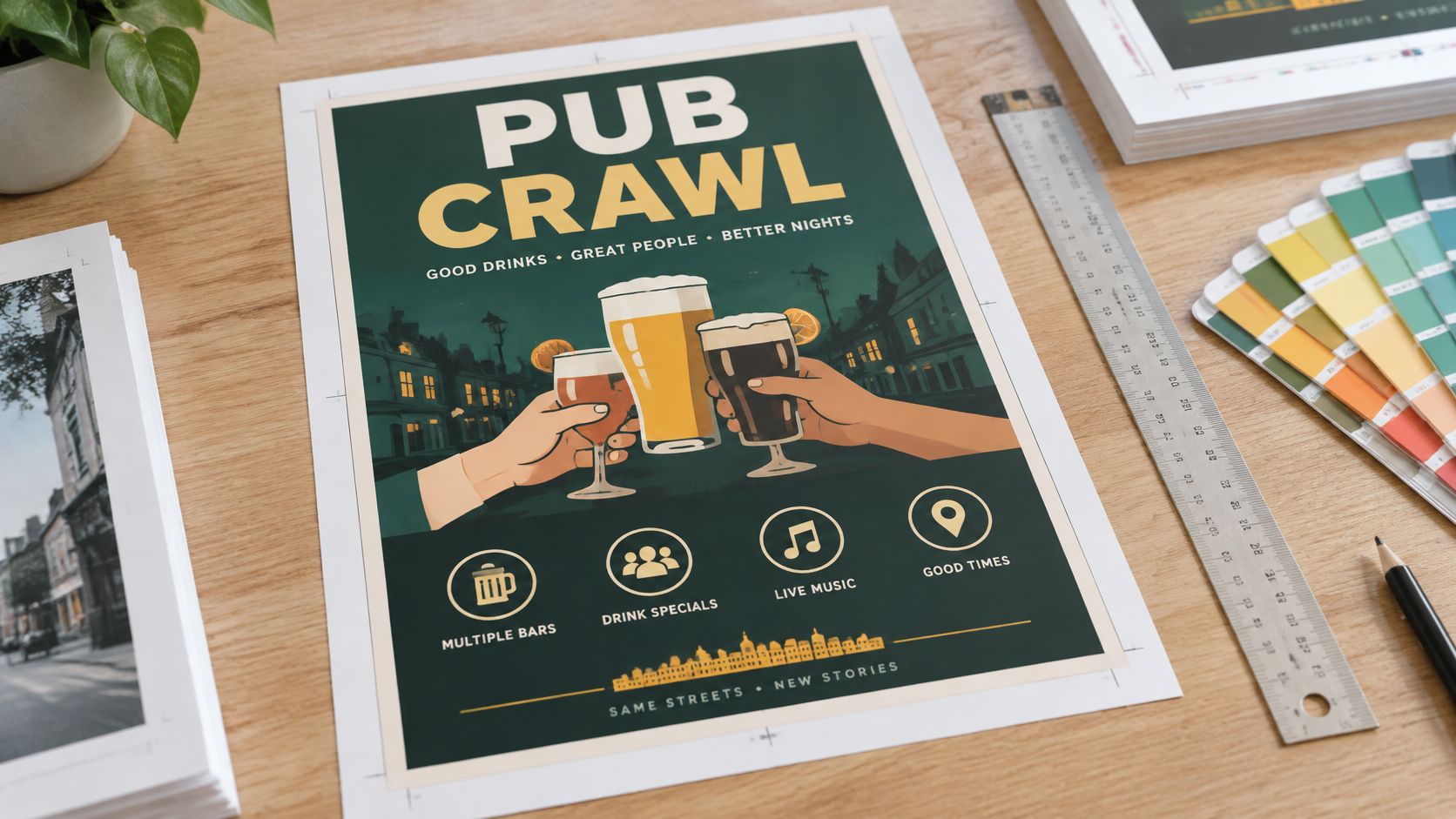
A hostel organizer should choose the finished paper size before designing. Shrinking a poster afterwards can make the practical text unreadable, even when the headline still looks impressive.
Match the file to the printer
Bleed means extending background artwork beyond the cutting line. The safe area keeps important content comfortably inside that line. The print provider's specifications should set both, rather than a guessed margin.
- Check image quality: Photographs should remain sharp at their intended printed size.
- Protect critical details: Addresses, booking instructions and codes belong away from the trim edge.
- Confirm colour requirements: The printer should specify the preferred file and colour setup.
- Inspect a physical proof: Dark backgrounds and small lettering need checking on paper.
A booking QR code deserves its own test. Wave Connect's QR-code guidance supports a high-contrast, uncluttered area and a typed fallback destination. For a group-chat image, the message should also contain a clickable booking link. Guests shouldn't have to scan an image displayed on the same phone.
Before the print run: Someone who didn't design the flyer should find the meeting point and open the booking destination from the proof.
7. Free Stock Photo, Font and Icon Libraries for Crawl Flyers
Asset libraries suit organizers who already have a layout but need better ingredients. Unsplash and Pexels can supply background photographs, while Google Fonts offers readable font families. Each asset's current licence still needs checking, especially for paid-event promotion.
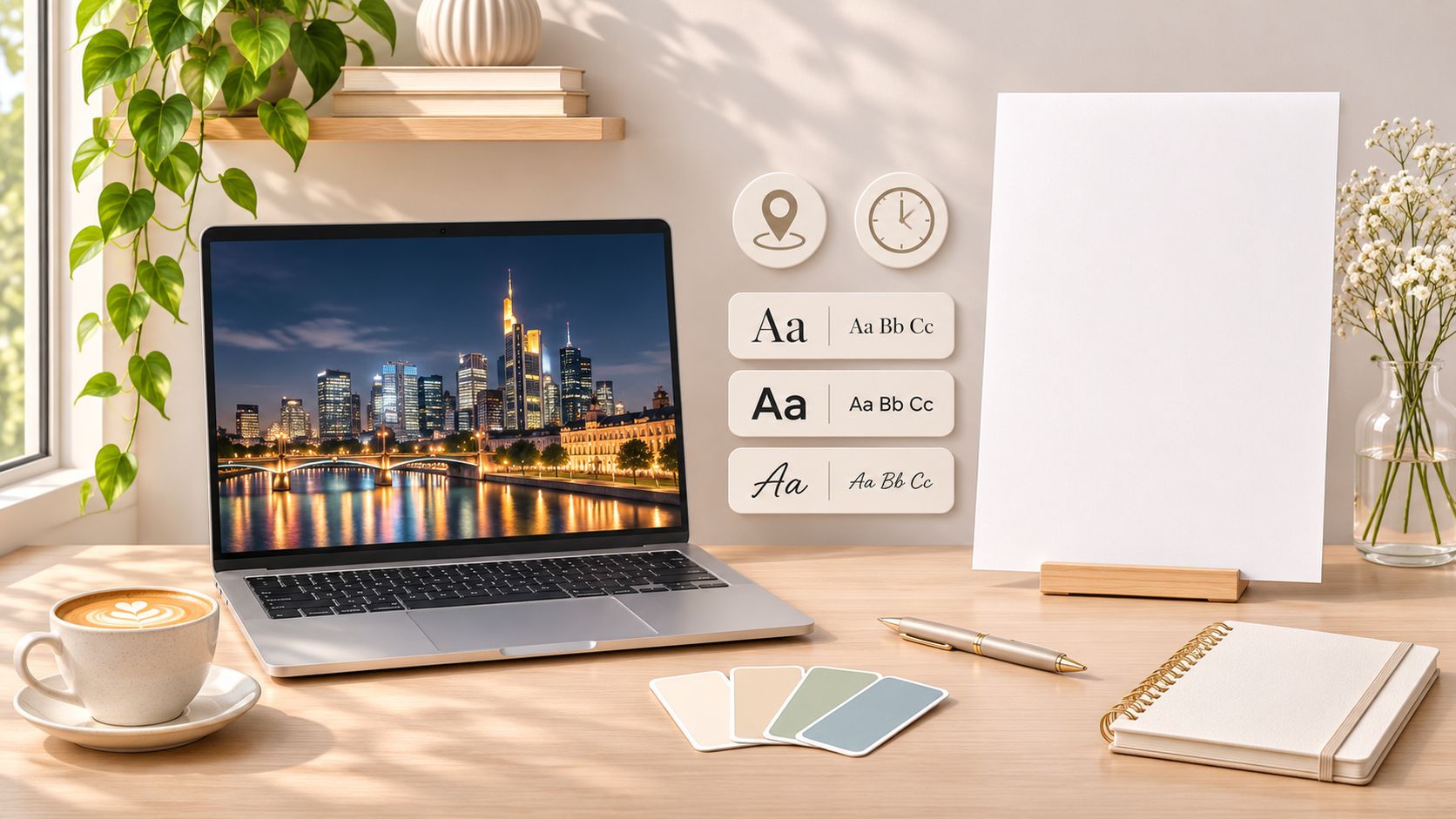
For a friends' city break, an Amsterdam canal photograph can establish the setting. A dark overlay can keep the meeting information readable, but the image shouldn't imply that the pictured building is the starting venue.
Choose atmosphere carefully
The pub crawl photo gallery provides visual context for the experience. Publicly visible photographs aren't automatically licensed for reuse, so permission remains separate from inspiration.
- Record permissions: The organizer should keep the asset source and applicable licence.
- Use readable lettering: Decorative display fonts belong in short headlines, not addresses.
- Label icons: A pin or ticket symbol should support clear text rather than replace it.
- Avoid misleading scenes: A stock rooftop photograph shouldn't suggest a rooftop stop unless that stop is confirmed.
Image choice also affects route expectations. Amsterdam's municipal visitor guidance states that drinking alcohol in public areas of the city centre is forbidden, so photographs shouldn't encourage guests to carry open drinks between venues. An accurate photo of the meeting entrance, used with permission, often beats a glamorous panorama because it helps guests find the right doorway.
How the seven flyer tools and resources compare
A hen party needs a bright flyer by Friday. A hostel group needs something cheap enough to print twice after a spill. A corporate crawl needs one designer to control the file.
| Item | Group it suits | Export formats | Skill level |
|---|---|---|---|
| Canva Pub Crawl Flyer Templates | Hen parties and hostel groups; quick flyers and social posts. Free tier, paid assets | PDF, PNG, JPG | Beginner |
| Adobe Express Event and Party Flyer Templates | Corporate and birthday groups; clean print and social resizes. Basic free, premium extras | PDF and social formats | Beginner |
| Microsoft Word and Google Docs Flyer Templates | Simple itinerary flyers; included with standard accounts | Beginner | |
| Figma Community Event Flyer Files | Designer-led corporate crawls; free community files for shared custom work | PDF, PNG, JPG | Intermediate |
| Printable Bar Crawl Passport and Punch Card Templates | Hen parties and hostel groups; keepsakes. Often free, home printing costs apply | Printable layout; format varies | Beginner |
| Print-Ready Setup: Size, Bleed and Resolution Guidelines | Any group sending a file to print; size, bleed and resolution | Depends on the design tool | Beginner to intermediate |
| Free Stock Photo, Font and Icon Libraries for Crawl Flyers | Student and hostel groups; free photos, fonts and icons. Licence terms vary | Depends on the design tool | Beginner |
The split is practical. Canva and Adobe Express cut layout friction, so a hen party organizer can finish tonight. Word and Google Docs win when a guest reads a route at a hostel desk. Figma pays off only if someone knows frames and wants a shared file. Passports add play and a second print job.
Print-ready setup and stock libraries are stages, not alternatives. They sit under every row. A corporate group with a designer gets further in Figma; a hostel group printing a stack should start with Canva and one good photograph.
No template ranks above a confirmed meeting point. Check the street address, 18+ ID line and included drinks before you print.
Pick One Tool, Then Check the Details Twice
The right tool depends on the group's skills and how many people need to contribute. Canva and Adobe Express suit quick visual layouts. Word and Google Docs suit practical itineraries, while Figma rewards organizers who need more control. Passports add a playful element, but they shouldn't complicate arrival or admission.
Most of the effort should go into checking the content. An organizer should read the finished flyer as someone arriving in Amsterdam for the first time, with luggage at the hotel and unfamiliar streets ahead. A neighbourhood name isn't a meeting point, and a photograph isn't an address.
The crawl-specific check before printing
- Meeting point: Confirm the venue name, full street address and whether guests meet inside or outside.
- Arrival instructions: Distinguish the meeting window from any scheduled activity.
- Age and identification: State the event's 18+ requirement with valid ID, without suggesting that a homemade passport replaces identification.
- Inclusions: Separate included entry and drinks from optional purchases.
- Booking status: Confirm that the selected date is booked, not merely discussed.
- Cancellation terms: Keep the flyer consistent with the actual booking conditions.
- Getting home: Include a practical regrouping plan and check current transport options before the night.
Ultimate Party Amsterdam runs Red Light District pub crawls every night, with entry fees included and no cover charges at the venues. Pub crawl bookings include free cancellation up to 24 hours before the start, and private or fully customized options are available on request through the booking site.
The final check should happen after the design is finished. Copied text, resized layouts and old screenshots can preserve outdated details even when the organizer knows the correct plan. A clear pub crawl flyer doesn't need to explain everything about Amsterdam nightlife. It needs to get the right people to the right doorway, prepared for the night they booked.
Ultimate Party Amsterdam offers hosted pub crawls and private group experiences for visitors who want less nightlife planning to manage. Before a flyer goes to print, visit Ultimate Party Amsterdam to choose an experience and confirm the meeting details, inclusions and booking conditions.
🍻
Experience it Yourself
Make it your night — a private pub crawl with your own dedicated party host, 6 stops and 6 free shots for €30 p.p.